



Have you been wondering whether changing your Twitch username will make you lose followers? We understand how this can be a significant concern for many streamers, especially those considering rebranding or updating their names.
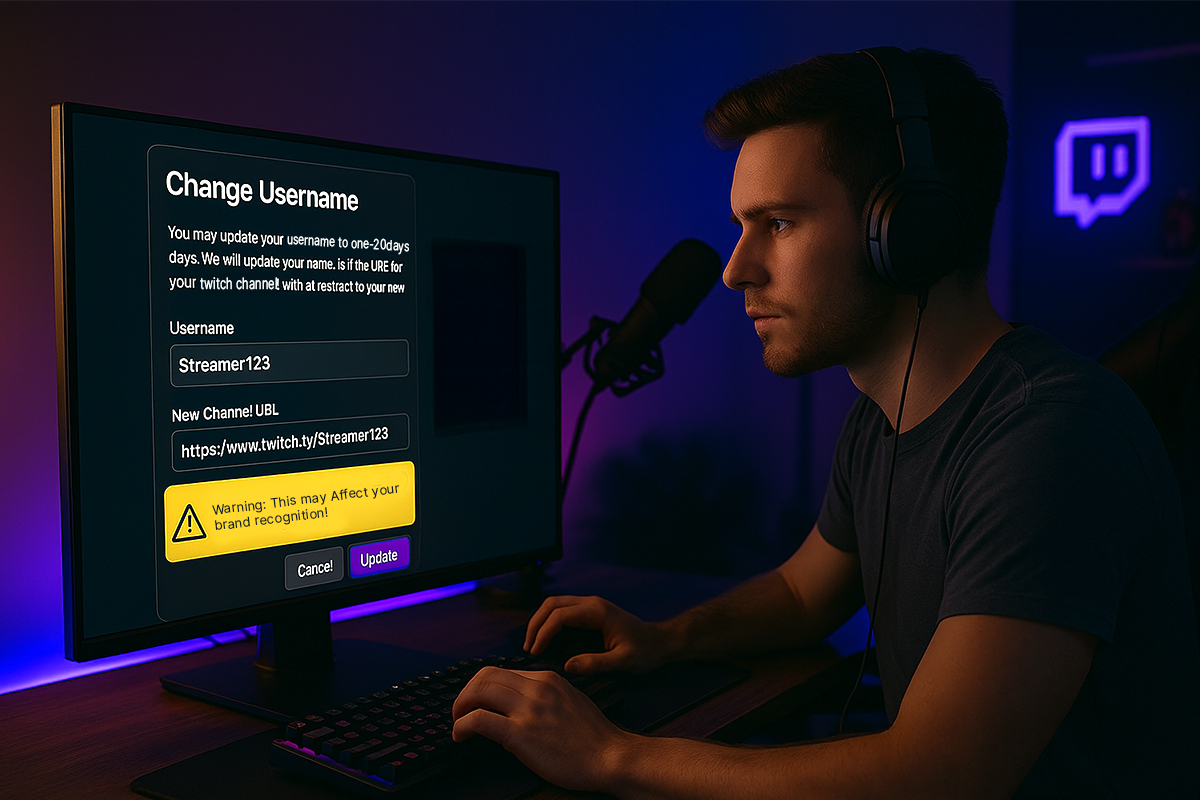
The good news is that Twitch allows users to change their usernames without losing followers, but there are several points to consider. This article explores everything you need to know about safely changing your username on Twitch, covering what happens during the change, when to consider it, and the optimal way to proceed while minimizing risks.
Can You Actually Change Your Twitch Username?
The simple answer is yes, you can!
However, there are some rules to consider before beginning the name-change process. For example, you can only change your username once in 60 days. This means you have to be careful while choosing, ensuring there are no mistakes that will leave you regretting for the next two months.
Another thing to consider is that your new username must be available, meaning it can’t be in current use by another streamer or recently deleted. If the name you want isn’t available, you’ll need to pick something else or tweak it until you find one ready-to-use.
Changing your username won’t delete your account, followers, or content. Your streams, clips, and channel settings will remain intact; the only thing that will be different is your username.
What Happens When You Change Your Twitch Username?
Changing your Twitch username is a big decision that comes with several key changes, as explained below:
a. What Happens to Your Followers
The good news is that you won’t lose your followers when you change your username. Your Twitch ID remains the same, which means your followers stay attached to your account. However, your followers might become confused about the change and may not recognize your new name immediately. The best approach is to notify your audience through streams or social media updates about the changes.
b. What Happens to Your Channel URL
Twitch automatically updates your channel URL to reflect your new username, but your old URL won’t redirect to your new one. Old links previously shared on social media platforms, websites, or video descriptions will become invalid. You should manually update all links pointing to your channel to avoid losing traffic to your Twitch profile.
c. What Happens to Your Discoverability
Changing your username can temporarily affect your search visibility since your audience is likely used to the old name. It might take time for them to become familiar with the new name. Additionally, search engines like Google need time to reindex your new username and display it promptly in search results. To regain visibility quickly, maintain activity on Twitch, promote your new name on social media, and be consistent with your branding.
d. What Happens to Your Stream Integrations
Third-party tools like bots, overlays, and alerts might break after a username change, as services like Streamlabs, Nightbot, and OBS overlays often rely on your username for authentication. For a smoother transition, verify all integrations after changing your name and reconnect any tools that require authentication to ensure your stream runs smoothly. Failing to update these integrations can affect your stream quality over time.
When Should You Consider Changing Your Twitch Username?
Changing your Twitch username can sometimes be a hassle, but there are situations where it’s necessary, including:
a. Your Name Doesn’t Match Your Content
If you’ve changed your niche or direction, your name should reflect it. Many streamers often start with gaming and, over time, focus on something different. If that’s the case for you, let your rebrand include changing your username to avoid confusing your audience. Doing this ensures your identity aligns with your content, making it easier for viewers to connect with you.
b. Your Username Is Hard to Remember or Spell
It’s possible that at the early stage of your streaming career, you paid little attention to your Twitch handle and included random numbers, symbols, and spellings. This isn’t great for your branding, as it makes it difficult to gain new followers who can read, spell, and say your name. Simple usernames perform better in search results and are easier for viewers to remember and share.
c. You Used a Temporary Name
Many streamers pick a random name when signing up, just to complete the onboarding process. However, over time, they realize they could have done better with the name choice. If you think your name is random and not aligned with what your brand currently offers, it’s worth changing. Choose something that helps build a strong identity and represents you long-term.
d. You’re Rebranding for Growth
If you’re getting serious about streaming, a stronger name can boost your brand. As your channel continues to grow, it could be your cue to rebrand and have a new username that fits perfectly into your current identity. Opt for a memorable and professional username, or check out this detailed guide on How to Choose a Perfect Twitch Username.
How to Change Your Twitch Username Safely (Step-by-Step)
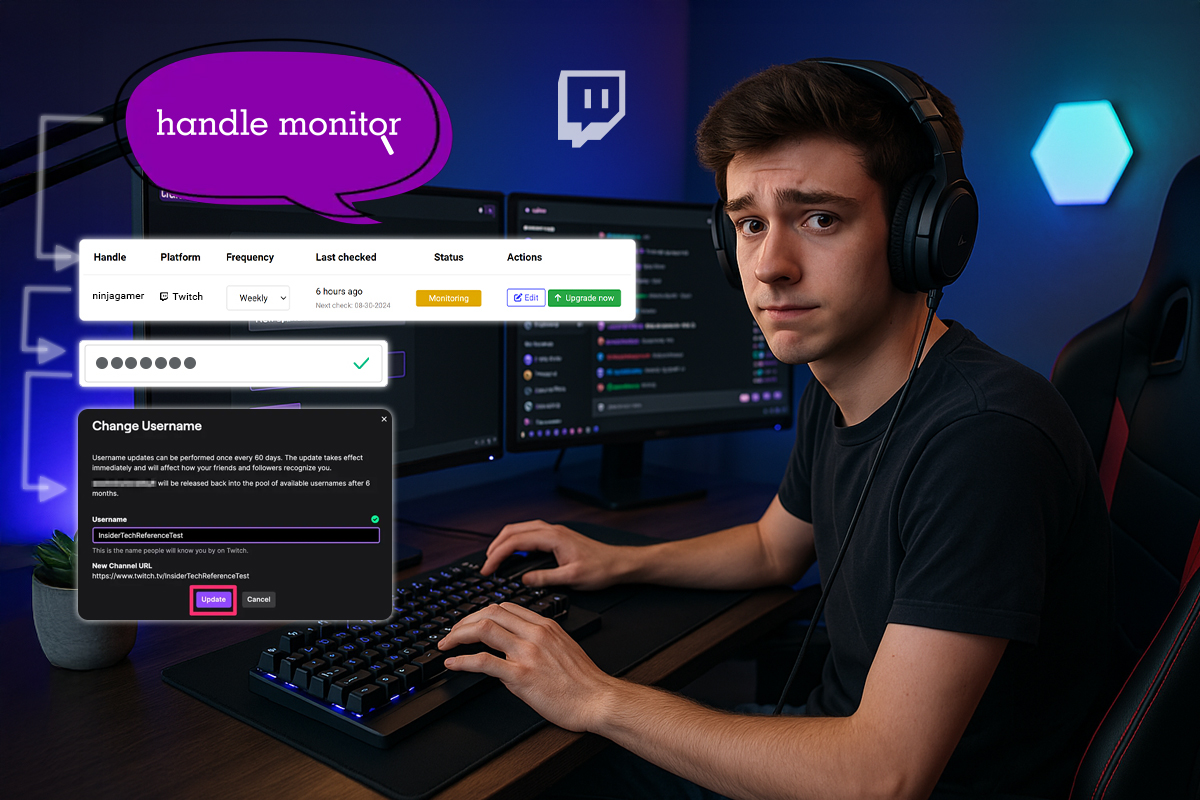
If you’re ready to change your Twitch username, follow these steps to get started:
Step 1: Brainstorm a New Name
Before making the switch, take time to choose a username that fits your brand, is memorable and easy to pronounce, and will work for the long term.
Step 2: Use a Twitch Handle Checker
Save yourself the hassle of checking manually if your desired name is available by using a Twitch username checker. This gets done within seconds, and you can keep backup names in case your first choice is taken.
Step 3: Change It via Twitch Settings
Once you’ve chosen a name, follow these steps to update it:
- Go to Twitch and sign in
- Navigate to profile settings and click on “Account”
- Click on “Edit Profile” to change your current Twitch name
- Click on “Update” to confirm your username change.
Note: Once you change your name, you cannot change it again for 60 days, so be certain before confirming!
Step 4: Update Everything Else
The next step after changing your username is to update all related links and tools. This includes your social media, YouTube, and Discord platforms. Check existing integrations, such as your stream overlays, bots, and alerts. You should then announce the change to your followers on-stream and through social posts so they don’t become confused.
Things to Watch Out for After Changing Your Username
Here are a few things to consider after changing your Twitch username:
a. Broken Links
Once you change your username, your old Twitch URL stops working, as it contains your old username, which no longer exists. It also won’t redirect to your current page, which can cost you your followers. To prevent this, manually update all links, including social media bios, personal websites or blogs, YouTube video descriptions, and more.
b. Audience Confusion
Some of your followers may not immediately recognize your new username, leading to confusion. Unless they are well-informed of the name change, they may assume you stopped streaming. This is why you must update your audience about the switch before and after it’s done, whether through streams or social media updates.
c. Brand Inconsistency
Your Twitch username is a big part of your brand, which means every other branding component should reflect this new change. As you change your name, you should also update your visuals and audit all graphics to ensure consistency across platforms.
d. Delay in Discoverability
While changing your Twitch username is exciting, it comes with a few challenges. For example, it may take time for search engines to update their databases, which means searches for your old name may not show your profile for a while. To speed up the process, update your audience about the new change early enough, stream regularly to stay top-of-mind, and actively promote your brand.
Conclusion
Changing your Twitch username is completely safe and won’t affect your followers if you do it the right way. This article already highlights every key thing you need to get started, including planning ahead, checking availability, making the change carefully, and updating all links and branding components, for a smooth transition.
A well-chosen username can improve your branding and long-term growth, helping you achieve success. If your current name no longer fits your content or goals, don’t be afraid to make the switch. While your Twitch username changes, every other thing remains intact, including your content and followers.
Comments