



Landing the perfect Twitch name is a big deal and a big win. But realizing someone else already grabbed it back in 2014 and then never streamed again? That’s a facepalm moment if there ever was one. Truth is, finding a good Twitch name is tough enough – finding one that’s actually available feels like some weird high-stakes scavenger hunt.
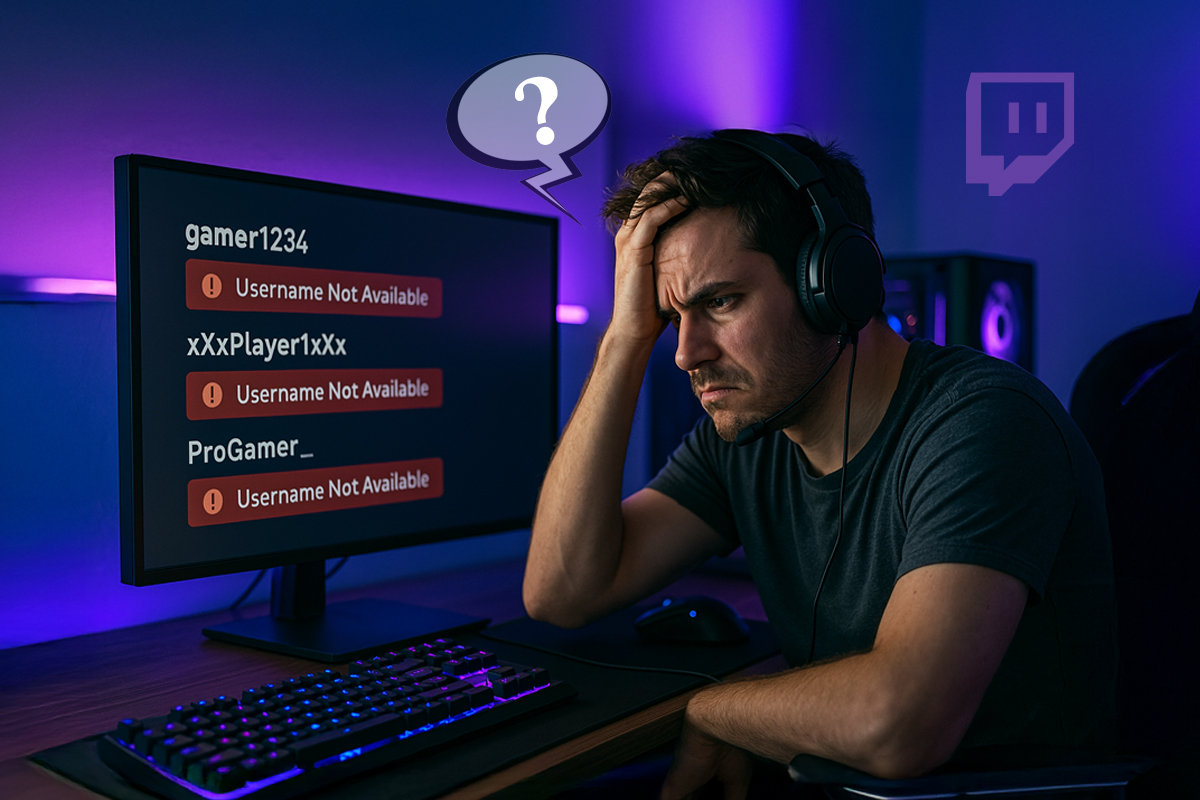
The trouble is, Twitch is not super helpful here. They don’t reliably recycle inactive usernames, and their policy on reclaiming them is about as clear as an 80s webcam. But there’s good news: you’re not stuck crossing your fingers and endlessly refreshing.
In this post, we’ll show you exactly how to instantly check Twitch name availability with a smart little tool – plus what to do next if your top picks already locked down.
Why Checking Twitch Username Availability Matters?
Your Twitch username isn’t just your name – it’s your brand, your calling card, and your digital first impression. But here’s the thing: if it’s not consistent across Twitch, Twitter, and all the other platforms your fans hang out on, it gets really messy, real fast.
When a username isn’t available, you’re stuck adding on extra underscores, weird numbers, or random phrases like “real” or “official” just to make something work. It’s clunky. It’s confusing. And worse – it can make people wonder if they’re following the right account. That’s the opposite of discoverable.
The smoother your name is across the board, the more legit you look, the easier it is for people to find you – and stay with you. So don’t leave this to the last second. Checking username availability early means you avoid fragmentation and future rebrands. Future you will thank you for it!
How to Instantly Check Username Availability with Handle Monitor
Forget bouncing from platform to platform trying to type your dream username into a dozen search bars like it’s some kind of chaotic mini-quest. There’s a much easier, way faster way to see if your Twitch name is actually up for grabs – plus whether it’s available on all your key socials, too. All at once. For free.
And it’s our Twitch Name Checker.
This tool does exactly what the name suggests – it checks your Twitch handle availability in one click. No digging, no guesswork, and no weird browser extensions are required.
Why you’ll want to use HandleMonitor:
- It checks Twitch platforms instantly
- No login or account is required
- Results are real-time (yes, for real)
- It’s 100% free
How to use it (and make your life easier):
- Go to the HandleMonitor Twitch Username Checker page
- Type in the Twitch username you have in mind
- Click “Check”
- See your results instantly: you’ll know if it’s free (or sadly taken)
Bonus: If the name is available on Twitch, click the link in the result, and it’ll send you straight to Twitch so you can claim it. Job done.
What to Do If Your Twitch Name Is Taken?

So, your dream Twitch name is taken. It stings—especially when it’s taken by a completely inactive account. The good news? You’ve still got two solid options.
Whether you’re tweaking the name or planning to wait it out, there are ways forward. Let’s break them down.
Option 1: Modify Your Name and Check Alternatives
Just because your original idea’s taken doesn’t mean you have to start from scratch. A few clever adjustments can still land you something on-brand and memorable:
- Add a short, relevant suffix—like TV, Live, Plays, Gaming, etc. (e.g., LexieLive or PixelPatTV)
- Use creative or abbreviated spellings, like XtremeChef instead of ExtremeChef or Th3GamerKid instead of TheGamerKid
- Underscores or numbers can work if they make sense (avoid “1456” unless that number actually means something to you)
- Re-run your revised handle through HandleMonitor’s Checker to see which variations are available across Twitch and social media
Final Note: Make a shortlist of 2-3 backup names that you’d be happy using, just in case nothing better becomes available soon.
Option 2: Monitor the Name and Get Alerts
Here’s a valuable tip you’ll wish you’d found earlier—let HandleMonitor do the work for you. Sometimes, usernames become available again—if someone changes theirs, deletes their account, or if Twitch recycles an inactive one. The challenge is that Twitch doesn’t announce when this happens. Miss it, and it could be gone again.
To monitor it 24/7:
- Visit phpstack-920541-5790817.cloudwaysapps.com
- Enter the Twitch name
- Select Twitch as the platform
- Enter your email under “Email Address”
- Click the “Start Monitoring” button
- Done. You’ll get a heads-up the moment the name becomes available.
Pro Tip: You can track multiple names simultaneously—useful if you’re considering future branding, potential rebrands, or you simply enjoy planning ahead. Either way, you’ll be first to know when it’s available—no constant refreshing needed.
Lock Down Your Twitch Name the Smart Way
Before you commit to that perfect Twitch handle, make sure you can actually have it. Skipping the availability check is like buying a domain name… then finding out someone else owns it. Never a good move.
With Handle Monitor, checking name availability is quick, simple, and straightforward: no logins, no guesswork, just instant results on Twitch.
Now, you know how to:
- Instantly verify username availability
- Adjust or modify your selection if your preferred choice is taken
- Monitor occupied usernames and get notified when they’re up for grabs
So don’t leave your Twitch identity to chance. Check your name now at phpstack-920541-5790817.cloudwaysapps.com – claim it or track it before someone else beats you to it.
Comments